
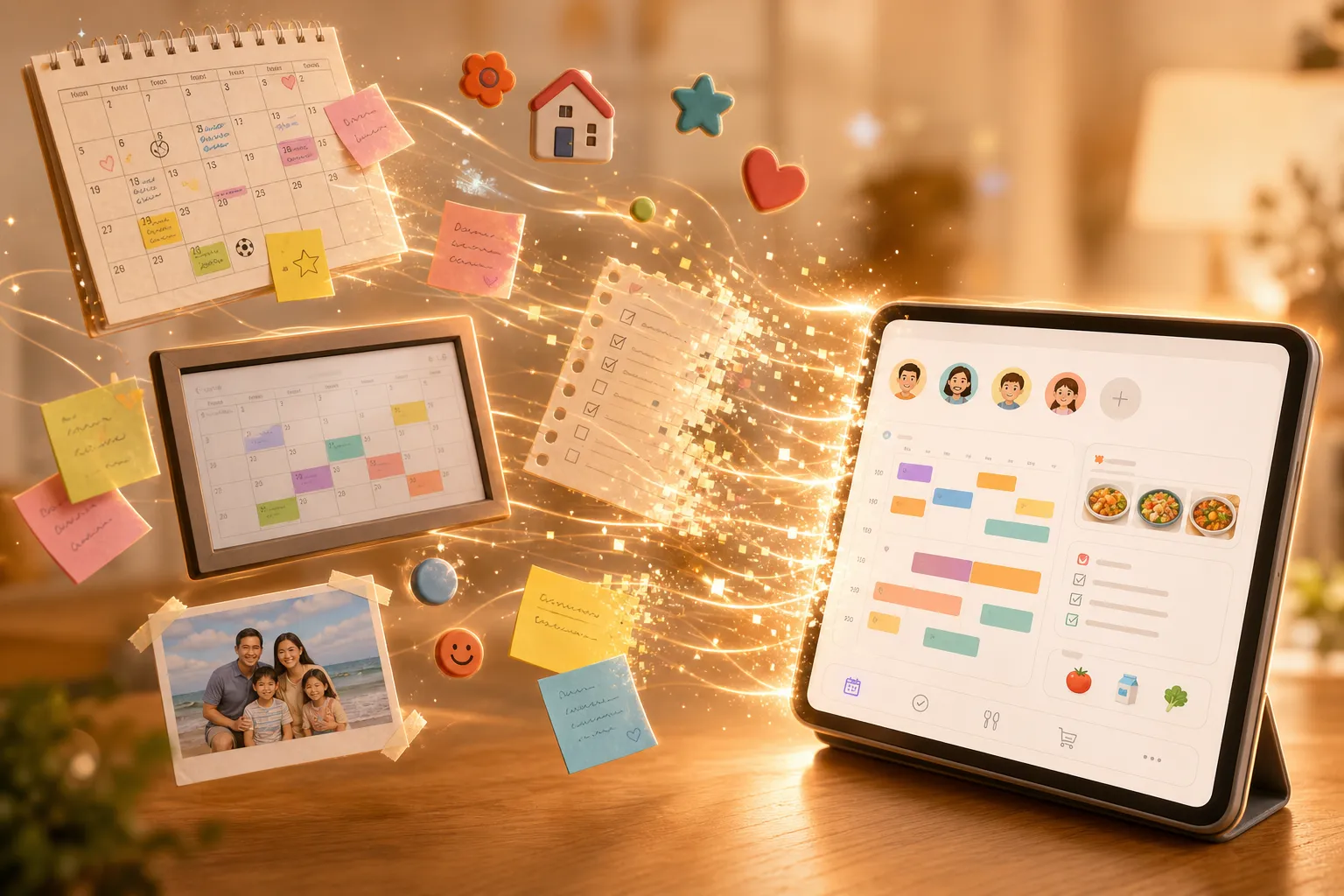
What is a Digital Calendar? A Complete Guide for Families in 2026
What is a digital calendar — and why do families need one? Discover how shared scheduling, AI features, and wall displays can transform your household routine.
If you've ever forgotten a child's soccer game, double-booked a family dinner, or spent ten minutes figuring out whose schedule conflicts with whose — you already know why families need something better than a paper planner.
That "something better" is a digital calendar. In this guide, you'll learn exactly what a digital calendar is, how it works, why families specifically benefit from one, and how to choose the right solution for your household.
What Is a Digital Calendar?
A digital calendar is a software-based scheduling tool that stores your events, appointments, and reminders electronically — and makes them accessible from any connected device. Unlike a paper calendar, it syncs automatically across all family members' devices the moment something changes, sends reminders through multiple channels, and supports multiple users with different permission levels.
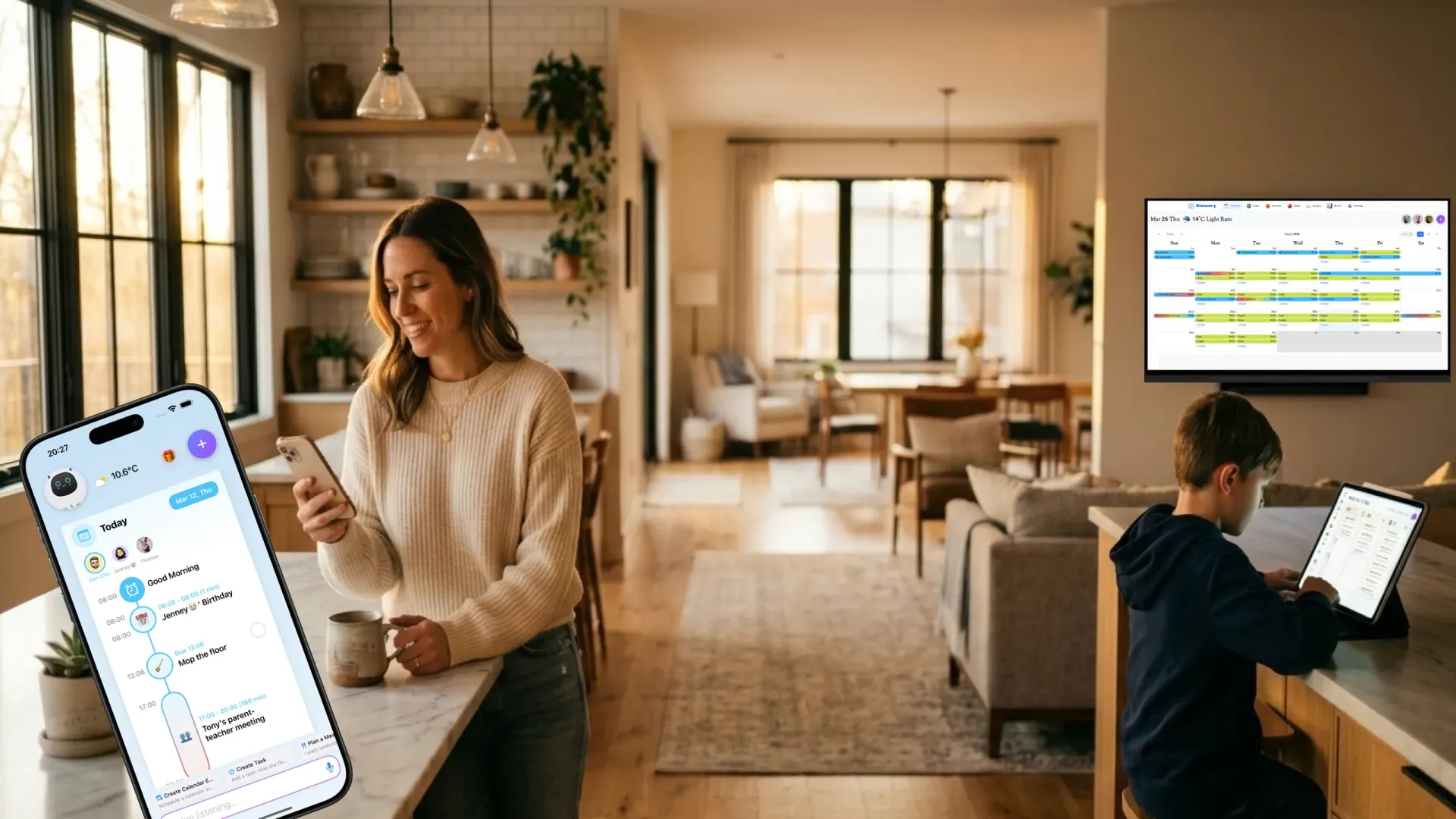
Think of it as a shared brain for your family's schedule. Everyone contributes to it, everyone benefits from it, and it never loses information — even if a phone gets lost.
Types of Digital Calendars
Not all digital calendars are the same. Here are the four main categories:
Personal Digital Calendars
Single-user tools like Google Calendar, Apple Calendar, or Outlook. They're excellent for one person but require workarounds — shared links, forwarded invites — when a family needs to coordinate.
Shared Family Calendars
Built specifically for multi-person households. They let every family member contribute events, assign tasks, and see the full household picture at a glance. Apps like Cozi and FamilyWall are leading examples specialized in family calendar aggregation.
Smart Family Calendars
These combine shared calendar software with dedicated hardware — wall-mounted touchscreen displays, smart photo frames — so that even family members who don't carry phones (young children, elderly grandparents) can stay informed. Wall-mounted calendar displays such as Skylight and Cozyla are typical examples, with software and hardware tightly integrated.
AI-Powered Calendars
The newest category. These use artificial intelligence to automatically extract scheduling information from photos or emails (like school bulletins or work confirmations), suggest optimal meeting times, detect conflicts before they happen, and even plan meals based on your family's habits. They also support voice and image interaction. Kinmory is a typical representative — an AI-native family management app with features like Voice Chat, Photo Chat, and Memory Note, combining the strengths of all calendar types above.
Why Families Need a Digital Calendar
The Problem With Fragmented Family Schedules
The average family with two working parents and two children manages schedules across 6 to 10 separate calendar accounts — work calendars, school portals, extracurricular sign-ups, medical appointments. These almost never talk to each other. The result is a constant background tax on family life: the mental load of keeping it all in your head.
Research from the American Psychological Association found that organizational stress — the feeling of being overwhelmed by competing commitments — is one of the top sources of tension in modern families. A digital calendar dramatically reduces this cognitive overhead.
What a Digital Calendar Actually Solves
-
1One source of truth for the whole family
Instead of checking three apps to figure out the week's plan, everyone opens one place. The moment someone adds a dentist appointment, the whole family sees it instantly.
-
2Fewer scheduling conflicts
AI-powered calendars can detect overlapping commitments before they become a crisis — alerting you at 8 AM instead of surprising you at 5 PM.
-
3Distributed responsibility
Traditional family management often falls unevenly on one person. A shared calendar distributes the load — each member manages their own events while parents retain oversight.
-
4Automatic sync with external systems
The best calendars connect to Google Calendar, Apple Calendar, Gmail, and school portals. When the school sends an email about a schedule change, an AI calendar can read it and add it automatically.
Key Features of the Best Digital Family Calendars
Digital Calendar vs. Traditional Tools
The key insight: a basic phone calendar solves personal scheduling. A digital family calendar solves household coordination — an entirely different problem.
| Feature | Paper Calendar | Phone Calendar | Family Digital Calendar |
|---|---|---|---|
| Shared visibility | — | — | ✓ |
| Real-time sync | — | — | ✓ |
| Conflict detection | — | — | ✓ |
| Task management | — | Limited | ✓ |
| Meal planning | — | — | ✓ |
| Works without a phone | ✓ | — | ✓ (wall display) |
| AI-assisted scheduling | — | — | ✓ |
How to Get Started With a Digital Family Calendar
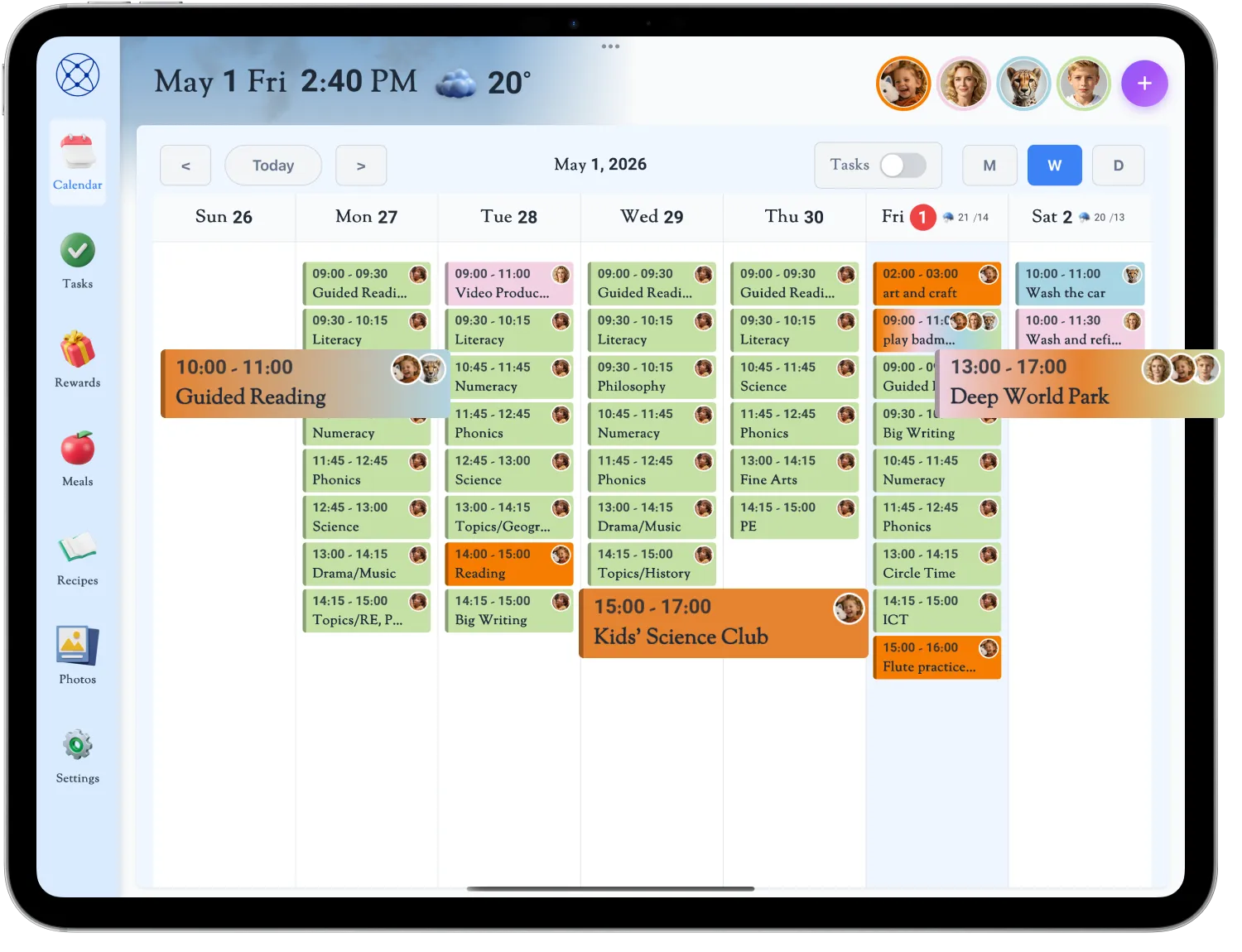
- Choose Your Primary Platform Select a calendar designed for families — ideally one that covers scheduling, tasks, meal planning, and optionally a wall display.
- Set Up the Core Calendar Create a family account and add every household member. Most platforms let you start free and upgrade as your needs grow.
- Assign Member Avatars & Colors Give each family member a unique avatar and color so you can see at a glance who owns each event — even the kids.
- Connect Existing Calendars Link Google Calendar, Apple Calendar, or Outlook so existing events migrate automatically. This is the single highest-impact step.
- Designate a Weekly Review Ritual 10 minutes every Sunday evening: open the calendar together, review the coming week, catch conflicts early, and add new events.
- Expand to Related Features Once scheduling is working, extend into task management, meal planning, or a wall-mounted display — gradually, without disrupting what's already working.
Frequently Asked Questions
An "online calendar" typically refers to any calendar that lives on the internet rather than on a single device — like Google Calendar. A "digital calendar" is a broader term that often includes richer family-oriented features like task management, multi-user sync, and hardware integration.
On Kinmory's Free tier, one family member can add an unlimited number of family members via the app. The AI Plus tier allows two users to manage the household. The AI Group tier supports up to 8 members with full app access.
Yes. You can install KinCals (the companion app for Kinmory) on tablets, iPads, or Smart TVs, turning any screen-based device into a calendar display that shows the full family schedule — no smartphone required for viewing.
That depends on the platform. Kinmory uses end-to-end encryption for data in transit, never sells user data, and lets you export or delete your data at any time. Always review a platform's privacy policy before committing your family's schedule information.
Advanced digital calendars like Kinmory integrate meal planning directly into the scheduling experience — you can plan weekly meals, auto-generate grocery lists, and even send ingredients directly to Instacart for one-click ordering.
Conclusion
A digital calendar isn't just a technological upgrade from paper — it's a fundamentally different way of managing a family's shared life. By giving every family member a real-time view of who's doing what, where, and when, it reduces the mental load of coordination, prevents conflicts before they happen, and lets families spend less time managing logistics and more time actually being together.
If your family is still juggling sticky notes, text messages, and memorized routines, the transition to a shared digital calendar is one of those rare investments that pays off every single day.
Ready to take your family somewhere extraordinary?
Download Kinmory, open your family album, and ask Kini to take you somewhere you've never been. More is a good place to start.

Scan to Download
Point your camera here
kinmory.ai/download/kinmory